A solid Google My Business rank checker is one of the most important tools in your local SEO kit. It shows you what’s really happening on the ground—your true visibility across different neighborhoods, not just what you see from your office computer.
Local search results literally change block by block. That means the rankings you see are almost always a dangerously incomplete picture of what actual customers are finding.
Why Your Local SEO Rankings Are Deceiving You
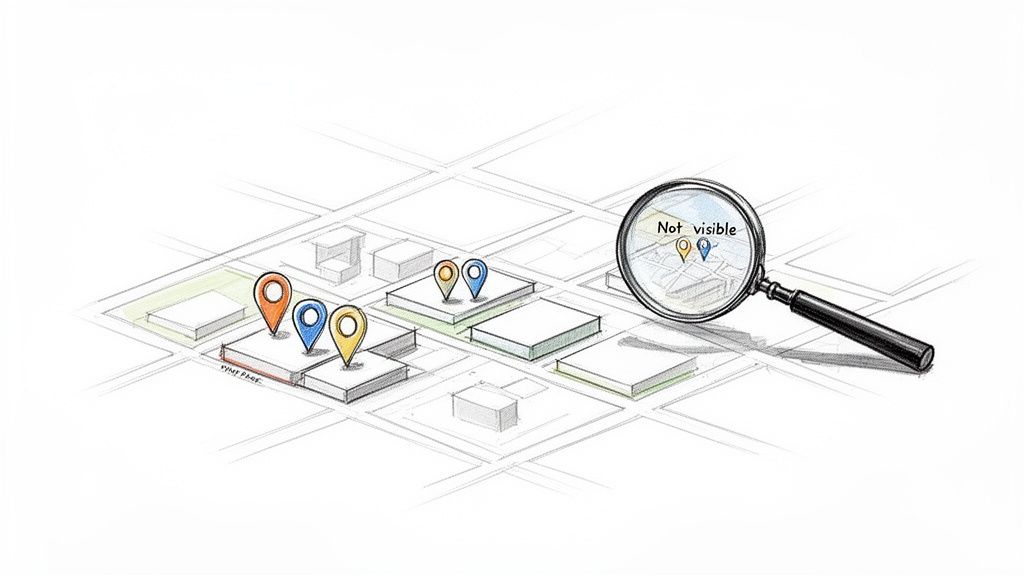
Let’s be honest: checking your business's Google rank from your desk gives you a false sense of security. What you see is almost never what a potential customer sees just a few miles away.
This gap is the core of local SEO. Search results are hyper-specific to the searcher's physical location, and for brick-and-mortar businesses, the real battle isn't for the old-school blue links. It's for a spot in the coveted "Map Pack." That’s where customers find businesses for immediate needs, making it the primary driver of foot traffic and phone calls.
The Problem of Hyper-Local Volatility
Your rankings can shift dramatically from one neighborhood to the next. You might be the #1 result for "wellness clinic" when searching from inside your building but completely invisible to someone ten blocks away in a high-income area. This volatility makes relying on manual spot-checks incredibly misleading.
This is the exact problem this guide solves: giving you a clear, accurate picture of your visibility across your entire service area. Without that perspective, you're flying blind, unable to spot weaknesses or jump on opportunities.
Why This Matters for Your Bottom Line
In the cutthroat world of local search, understanding your Google Business Profile rankings is everything. This is especially true for multi-location retailers and franchises trying to dominate the Map Pack.
Think about this: a recent study found that over 70% of local searches now lead to direct interactions with a Google Business Profile—things like calls, direction requests, or website clicks. For businesses like dispensaries or wellness brands where neighborhood-level visibility can make or break foot traffic, seeing a live ranking heatmap is a game-changer.
The biggest mistake local businesses make is assuming their ranking is static. In reality, it’s a fluid, constantly changing metric that depends entirely on where the search is performed. A true Google My Business rank checker eliminates this guesswork.
For multi-location brands, the challenge is magnified tenfold. A marketing manager for a chain of retail stores needs to know how each location performs in its specific market. Are you visible in the affluent suburbs? Do you show up for searches near a major competitor?
These are questions manual checks just can't answer effectively. You can learn more by exploring these critical local SEO ranking factors that dictate your visibility.
How to Manually Check Your Google Business Profile Rankings
Before we dive into automated tools, it’s worth trying to check your rankings the old-fashioned way. Doing it yourself, even just once, is the best way to see how inconsistent and time-consuming manual checks are. This little experiment really drives home why a dedicated rank checker is a must-have for any serious local SEO strategy.
The simplest approach is to open an Incognito or Private browser window and start searching. This prevents your personal search history from skewing the results, giving you a slightly cleaner look at the SERP. But it's far from perfect. Google still knows your general location from your IP address, which immediately taints the data.
Faking Your Location for a Better Test
To get a more realistic picture, you have to trick Google into thinking you’re physically somewhere else. This is where geo-location emulation comes in.
Let's say you run a chain of wellness clinics and just opened a new downtown location. You want to know if someone searching from a specific suburb sees your new spot.
Here are a few ways you can try to fake it:
- Use a VPN: A Virtual Private Network can mask your IP address, making it look like you're in another city or state. The problem is that VPNs are a blunt instrument. They rarely let you zero in on a specific neighborhood or street corner, which is where local search battles are actually won and lost.
- Use Browser Developer Tools: If you're a bit more technical, you can use the location spoofing features built right into browsers like Google Chrome. This lets you input exact latitude and longitude coordinates to simulate a precise location. It works, but it’s a clunky and tedious process to repeat for more than a few spots.
- Try Google's Ad Preview Tool: This tool was built for advertisers, but it’s probably the most reliable manual method for SEOs. It lets you set a specific location and see the search results as if you were there. Still, it requires a lot of manual effort to check multiple keywords across different neighborhoods.
Here’s a peek at the interface for the Ad Preview and Diagnosis tool inside a Google Ads account.
While the tool is great for paid ads, it reveals the fundamental flaw of manual SEO checks: it’s a one-off process designed for a single search, not for tracking performance over time.
Why Manual Spot-Checks Just Don't Cut It
Even with these workarounds, manual checks fall short. The entire process is incredibly slow and almost impossible to document consistently. Can you imagine building a spreadsheet to track your rank for five keywords across ten different neighborhoods? You’d burn hours on a task an automated tool can knock out in minutes.
A manual rank check is like trying to gauge the weather by sticking your head out the window. You get a sense of the immediate conditions, but you have no idea what’s happening a mile away or what the forecast looks like for next week.
This approach simply doesn't scale. If you have multiple locations or a large service area, it's a non-starter. You get zero historical data, you can't easily compare your performance against competitors, and you might get a false sense of security from one good result.
This is exactly why a dedicated, automated rank checker isn't just a nice-to-have—it's a game-changer for local businesses.
Choosing the Right GMB Rank Checker for Your Business
Once you realize the blind spots of manual checks, the next step is finding a tool that does the heavy lifting for you. But picking an automated Google Business Profile rank checker isn’t about chasing the longest feature list—it’s about understanding why each feature matters and how it lines up with your specific business goals.
The right tool is the difference between guessing and knowing. It gives you a clear, data-backed picture of your performance across every neighborhood you care about.
Must-Have Feature: Geo-Grid Heatmaps
If there’s one non-negotiable feature, it's the geo-grid heatmap. This is what transforms abstract ranking numbers into a visual, actionable map of your visibility. The tool lays a grid over your service area, running a search from each point to show you exactly where you rank for a specific keyword.
Honestly, it’s the only way to truly see your performance and spot weaknesses block by block.
Without a heatmap, you’re just staring at numbers that lack real-world context. A heatmap, on the other hand, instantly answers critical questions:
- Are we actually visible in the high-income neighborhoods we're targeting?
- Do we vanish from the Map Pack just two miles from our front door?
- Where are our competitors dominating, and where are their weak spots we can attack?
It’s this context that makes heatmaps an absolute must-have.
Evaluating Key Rank Checker Capabilities
Beyond the grid, a truly powerful GMB rank checker needs to deliver data that actually informs your strategy. When you're comparing tools, look for these three core capabilities: competitor tracking, historical data, and clear performance metrics.
Think of it as a diagnostic dashboard for your local SEO. The heatmap shows you the problem; these other features help you understand the cause and track the cure.
A great rank checker doesn't just show you where you rank. It helps you understand why you rank there and what to do about it. It connects your SEO efforts to real ranking changes, proving what's working and what's a waste of time.
For instance, competitor tracking can reveal that a rival’s recent push for reviews is the reason you're losing ground in a key zip code. Historical data lets you rewind the clock and see if that GMB Post campaign you ran last month actually moved the needle in the neighborhoods you were aiming for.
To get the most out of a local rank checker, you need to understand which features will have the biggest impact on your strategy.
The table below breaks down the essential features to look for and explains why each one is so important for tracking and improving your local visibility.
Essential Features in a GMB Rank Checker
| Feature | Why It Matters | Best For |
|---|---|---|
| Geo-Grid Heatmaps | Provides a visual, block-by-block map of your rankings, turning abstract data into an actionable battlefield. | Any local business that needs to understand its true service area visibility. |
| Competitor Tracking | Lets you see where rivals outrank you, revealing their strategies and your opportunities. | Businesses in competitive markets (e.g., restaurants, law firms, retail). |
| Historical Data | Shows ranking trends over time, allowing you to measure the direct impact of your SEO efforts. | Marketers who need to prove ROI and connect actions to results. |
| Customizable Grid Size | Allows you to adjust the scan area to match your exact service territory, from a few blocks to an entire region. | Service-area businesses (plumbers, roofers) and large-footprint retailers. |
| Keyword Rank Tracking | Monitors your position for a variety of search terms, not just your primary ones. | Businesses targeting multiple services or customer intents. |
| Centralized Dashboard | Manages and compares performance across multiple locations from a single interface. | Multi-location brands, franchises, and marketing agencies. |
Having these features at your fingertips moves you from reactive fixes to proactive strategy, giving you a clear path to improving your local search performance.
Matching a Tool to Your Business Goals
The best GMB rank checker for a multi-location retailer is probably overkill for a single-location service business. Let your primary objectives guide your decision.
Here’s how to think about it:
- For Retailers: If foot traffic is your lifeblood, you need granular heatmaps and deep competitor tracking. You have to see precisely where your visibility drops and whether a store down the street is stealing your clicks for "shoe store near me."
- For Service-Area Businesses: Plumbers, landscapers, and anyone else who serves clients at their location needs to see their visibility across a wide territory. A tool that offers large, customizable grid sizes is critical for spotting weak spots in entire suburbs or districts.
- For Multi-Location Brands: When you’re managing dozens or hundreds of storefronts, a centralized dashboard is non-negotiable. Look for a solution that lets you toggle between locations and compare their heatmap performance side-by-side. This helps you instantly spot which branches need the most SEO love.
For a deeper dive into these concepts, our guide on a comprehensive Google Maps ranking checker is a great next step.
Ultimately, the goal is to find a tool that delivers clear, actionable insights—one that helps you turn raw ranking data into more phone calls, direction requests, and customers walking through your door.
Turning Rank Checker Data Into Real Growth
Getting the ranking data is the easy part. The real work is turning those colorful heatmaps into actual customers walking through your door. A Google My Business rank checker is way more than a report card—it's a treasure map showing you exactly where to dig for new business.
Don't just fixate on the green "top 3" spots. The most valuable information is often hidden in the yellow and orange areas of your heatmap. Think of these as your "opportunity zones." These are neighborhoods where you're visible but not yet dominant.
If you're ranking #5 or #6, it means you're already on Google's radar. A focused, strategic push is often all it takes to break into the all-important Map Pack and start reaping the rewards. This isn't about vanity metrics; it’s about directly connecting a better rank to more phone calls, website clicks, and direction requests.
From Heatmaps to Actionable Insights
Let's imagine you run a local home services company. You pull up your rank checker's heatmap and see solid green rankings in your immediate service area, but there's a glaring weak spot in an affluent suburb just five miles away. You know people there are searching for your services, but they're finding your competitors first.
This is your signal. That specific suburb just became your top priority.
Instead of guessing, you now have a data-driven action plan. It might look something like this:
- Launch Geo-Targeted GMB Posts: Start creating Google Business Profile Posts that specifically mention that suburb by name or reference nearby landmarks to build local relevance.
- Source Reviews from That Area: The next time you finish a job for a customer in that neighborhood, make an extra effort to ask for a review. When you reply, you can even mention their location to reinforce the signal.
- Build Hyper-Local Citations: Hunt down opportunities to get your business listed on local community blogs or neighborhood directories exclusive to that suburb.
Without this heatmap data, you'd be flying blind, wasting marketing dollars on areas you already own or have no chance of winning. With it, every move you make is precise and efficient.
The goal is to stop staring at numbers and start making data-driven decisions. Your rank checker data should answer the question, "What is the single most impactful thing we can do this week to get more customers?"
As local SEO intensifies, the gap between the pros and the amateurs is widening. In 2026, these tools are revealing a stark reality: optimized profiles are securing 87% of daily local search appearances, while others are falling behind due to unmonitored drops in review velocity or citation drift.
The benchmarks tell the story. Top performers see website clicks at 4%-7%, clicks-to-call at 5%-8%, and direction requests at 3%-5%. These are metrics that plummet without tools to track heatmap changes and keyword shifts. You can learn more about the mechanics behind this in these crucial GMB ranking factors.
Connecting Rankings to Business KPIs
At the end of the day, you have to tie your local SEO work back to the key performance indicators (KPIs) your entire business understands. Your rank checker is the bridge connecting your optimization tasks to real, bottom-line results.
So what happens when you see your rank jump from #7 to #2 in a target zone? You should see a direct lift in the metrics inside your Google Business Profile Insights.
- More Clicks-to-Call: You'll see more users tapping the "Call" button straight from the Map Pack.
- More Direction Requests: Foot traffic starts to climb as more people ask Google Maps for directions to your storefront.
- More Website Visits: Potential customers are clicking through from your profile to learn more about what you offer.
By monitoring both your heatmap and your GBP Insights in tandem, you create a powerful feedback loop. You can finally prove that improving local visibility in a specific area led directly to a measurable increase in customer actions. This is how you turn SEO from a cost center into a clear, undeniable revenue driver.
Your Action Plan After Checking Your GMB Rank
So you've got the data from your Google My Business rank checker. Now what? This is the moment where raw numbers become a focused, prioritized roadmap for growth. Don't let that data die in a report—turn it into specific, targeted actions that actually drive results.
Think of your rank checker's heatmap as a battle plan. If it shows a weak spot in a key downtown neighborhood, that area just became your top priority. Your mission is clear: increase your relevance and authority right there, where potential customers aren't finding you.
This is all about shifting from a general SEO strategy to a surgical, location-based attack.
Prioritize Based On Opportunity
Your first move is to pinpoint your "opportunity zones"—these are the areas where you're visible (maybe ranking 4th to 10th) but haven't cracked the top three yet. These are your quickest wins. A focused effort here can push you into the lucrative Map Pack, which is where the vast majority of clicks happen.
For instance, if you spot a weakness in a specific part of town, your action plan could look something like this:
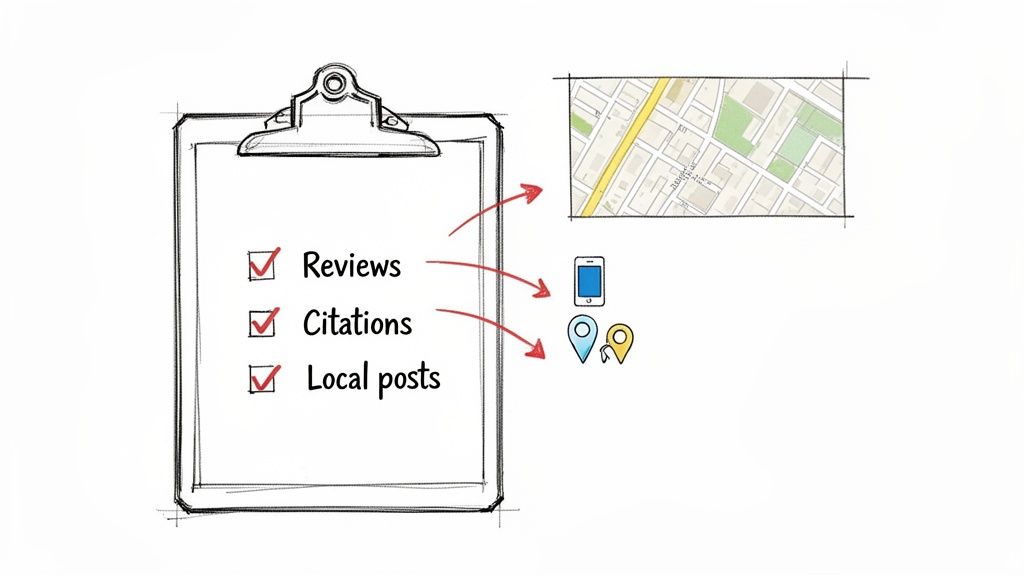
- Go After Reviews: Reach out to recent customers from that specific zip code and ask for a review. When you reply, make sure to mention their neighborhood to reinforce those local signals for Google.
- Build Hyper-Local Citations: Hunt down neighborhood blogs or community directories exclusive to that area and get your business listed. Think small and super-local.
- Create Geo-Tagged Content: Publish a Google Business Profile Post featuring a customer success story or a recent project from that neighborhood. Be sure to name the area explicitly in your post.
This targeted approach ensures your efforts are concentrated where they'll have the biggest impact, rather than spreading them too thin across places you already dominate.
Optimize Your Profile With Precision
With your weak spots identified, it’s time to refine your Google Business Profile so it speaks directly to those areas. A great starting point is to weave location-specific keywords into your business description and service listings. Simply mentioning the neighborhoods you serve can seriously boost your relevance for "near me" searches happening there.
The switch from Google My Business to Google Business Profile back in 2021 was a big deal, but the real power now is in using modern tools to track your rankings through all of today's AI-driven updates.
And remember, results aren't instant. Basic tweaks might show improvements in 2-4 weeks, but a full ranking lift takes 3-6 months of consistent, focused effort.
Local SEO is an ongoing marathon, not a sprint. The whole point of a rank checker is to give you a repeatable process: monitor your visibility, analyze the data to find opportunities, execute targeted improvements, and then measure the impact.
By consistently applying this data-driven cycle, you move beyond guesswork and start building a truly dominant local presence. For a deeper dive, check out our guide on how to optimize your Google Business Profile for maximum impact.
Common Questions About GMB Rank Checkers
Even the best tools can leave you with questions. And when it comes to local search data, understanding the little details is what separates a good strategy from a great one. Let’s clear up a few of the most common questions we get from business owners.
Getting this stuff right from the start means you can actually trust the data you’re seeing and make smarter calls for your local SEO.
How Often Should I Check My Google Business Profile Rankings?
For most local businesses, checking your rankings weekly is the sweet spot. This gives you a clear picture of trends and competitor moves without getting bogged down by the minor, day-to-day jumps and drops that are totally normal in local search.
But if you're in a super competitive market—think a dentist in downtown Manhattan or a roofer in a storm-hit area—or you just kicked off a big optimization push, checking 2-3 times per week can give you much faster feedback on what’s actually moving the needle.
Why Do My Rankings Look Different on Various Tools?
You’ll almost always see slight differences between rank checkers. This happens because each tool might use different data centers or grid point setups to mimic where a searcher is standing. The tech they use to pull that data can also be a little different.
Here’s the key: pick one reliable tool and stick with it. Consistency is everything. What really matters is tracking your performance trends over time within a single platform you trust. Don't waste energy comparing the exact numbers from two separate systems; it's the upward or downward trend in your chosen tool that tells the real story.
Can a Rank Checker Guarantee a Number One Spot?
Nope. No tool on earth can guarantee a #1 ranking, and you should be wary of any that claim they can. Think of a GMB rank checker as a diagnostic tool—it’s like an X-ray for your local SEO. It’s designed to show you exactly where the problems and opportunities are hiding across your city.
A rank checker gives you the map, but you still have to drive. Hitting those top spots requires a real strategy built on the insights you find—optimizing your profile, getting more customer reviews, and building up your local authority.
The tool provides the data-driven direction you need, but the real work of optimization is what actually wins you those top spots in the Map Pack.
Will Checking My Rank Too Often Hurt My SEO?
Absolutely not. Using a professional Google Business Profile rank checker will have zero negative impact on your rankings. These tools are built to gather data without creating fake engagement signals that could throw off Google's algorithm.
They simulate searches from different locations in a way that’s completely invisible to Google and doesn’t affect how your profile is perceived. It's a 100% safe and essential practice for monitoring your local performance and keeping an eye on the competition.
Ready to stop guessing and start seeing your true local rankings? Nearfront provides live ranking heatmaps and actionable insights to help you dominate the Map Pack. See where you stand and what to do next by visiting https://nearfront.com.