Dominating the Google Map Pack and driving qualified foot traffic starts with understanding exactly what your local customers are searching for. Generic keyword strategies won't cut it. To succeed, you need to uncover the hyperlocal phrases people use when they need a product or service right now, right here. This requires a specialized approach and, more importantly, the right set of local keyword research tools designed to unearth location-specific search intent.
This guide moves beyond generic SEO advice. We provide an in-depth, hands-on review of the top 12 tools that excel at local keyword analysis. You won't find vague feature lists here. Instead, we dive deep into how each platform handles critical local signals, from neighborhood-level search volumes and Google Business Profile insights to Map Pack-focused keyword discovery. We’ve analyzed each tool's strengths, weaknesses, and ideal use cases to help you make an informed decision.
Whether you're a multi-location franchise manager, a cannabis dispensary owner, or an SEO professional focused on brick-and-mortar clients, this resource is built for you. You will learn how to:
- Identify high-intent "near me" and city-specific keywords.
- Analyze competitor strategies within a specific geographic radius.
- Find question-based keywords to create locally-optimized content.
- Choose the best tool for your specific business needs and budget.
Each entry includes screenshots, direct links, and actionable workflows to help you immediately apply what you learn. Our goal is to equip you with the knowledge to select the perfect local keyword research tools to translate online searches into real-world customers. Let's get started.
1. Nearfront
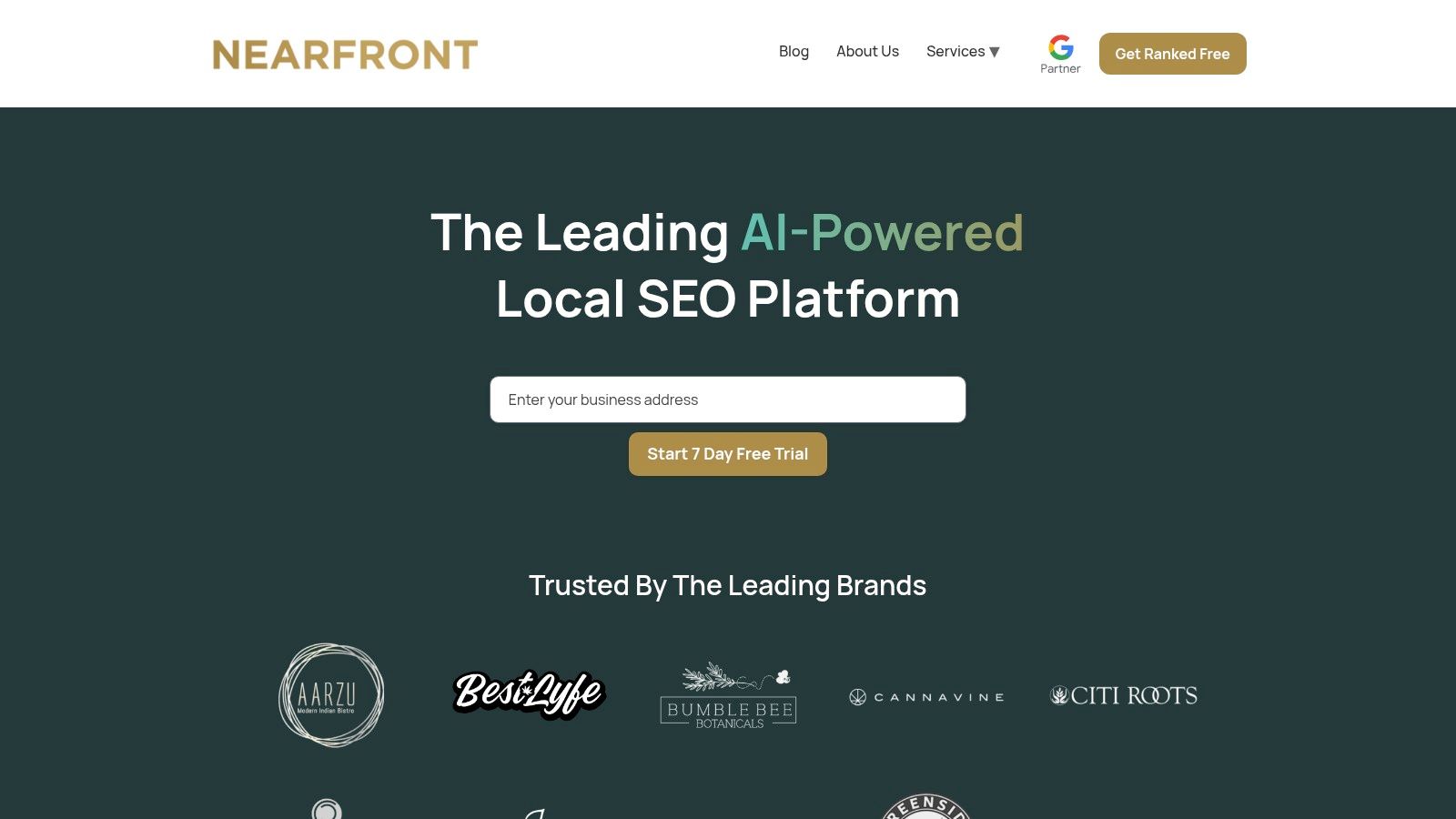
Nearfront solidifies its position as a premier choice by moving beyond traditional keyword tracking and directly influencing the behavioral signals that Google’s local algorithm prioritizes. Instead of just identifying opportunities, its AI-powered platform is engineered to generate real-world user engagement. This includes authentic searches, profile clicks, calls, and direction requests, which are critical metrics for boosting Map Pack visibility.
This unique approach makes Nearfront an exceptional tool for businesses that need to accelerate their local SEO results. It complements foundational keyword research by turning insights into tangible ranking momentum, a capability many other tools lack.
Core Strengths and Use Cases
Nearfront stands out with its automated, no-login implementation, which means it operates externally without requiring direct access to your Google Business Profile. This design ensures safety and compliance while simplifying setup, especially for multi-location enterprises and franchises. The platform's live ranking heatmaps and multi-location dashboards are invaluable for visualizing performance across different cities or neighborhoods, enabling marketing managers to pinpoint underperforming areas and allocate resources effectively.
For high-competition niches like dispensaries, clinics, and urban retailers, Nearfront provides a distinct competitive edge. By focusing on engagement signals, it helps businesses break through the noise faster than relying solely on content and backlinks.
Expert Insight: The true power of Nearfront lies in its ability to bridge the gap between identifying high-value local keywords and actually ranking for them. By generating authentic user interactions, it directly addresses the ranking factors that matter most for Map Pack dominance.
Practical Implementation
Nearfront’s model is built for streamlined execution. It delivers bi-weekly before-and-after reports and growth predictions, eliminating the need for constant manual monitoring. This automated reporting is ideal for busy teams managing dozens or even hundreds of locations.
- Best For: Multi-location brands, high-competition local businesses (dispensaries, wellness clinics), and marketing agencies seeking a scalable local SEO solution.
- Pricing: Custom quotes are provided based on the number of locations and market competition. The model is month-to-month, offering flexibility without long-term commitments.
- Key Advantage: Its ability to generate authentic, Google-valued engagement signals provides a direct path to improved Map Pack rankings, complementing traditional local keyword research efforts.
2. Google Ads – Keyword Planner
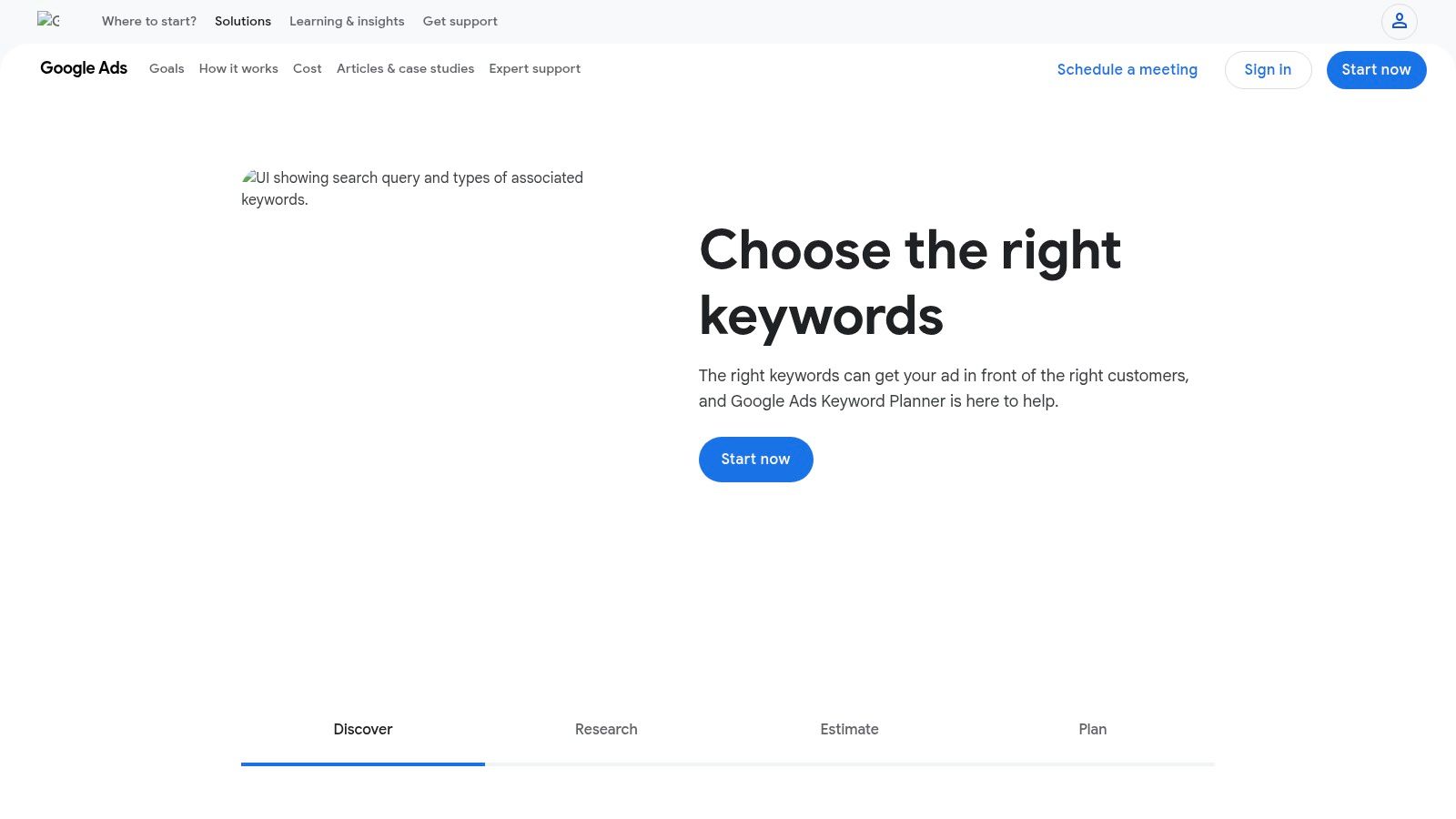
Google Ads Keyword Planner is a foundational, free-to-use tool that provides direct access to Google's own search data. While designed for advertisers, its granular geographic targeting makes it an indispensable asset for any local SEO strategy. You can pinpoint search volume and competition levels for specific cities, ZIP codes, and even custom radii around a business address, offering a level of precision that many third-party tools can't match.
The platform excels at revealing commercial intent through its cost-per-click (CPC) data, helping you prioritize keywords that are more likely to convert. This is particularly useful for service-area businesses, like plumbers or electricians, who need to understand demand in specific neighborhoods. For a deeper dive into leveraging this platform, you can learn more about how Google Ads helps local businesses.
Core Features & Limitations
Access Requirements: Free with a Google Ads account, though you don't need to run an active campaign to use it.
- Pros:
- First-Party Data: Volume and CPC estimates come directly from Google.
- Granular Geo-Targeting: Filter by country, state, city, ZIP code, or a custom radius.
- No Cost: Completely free to access and use.
- Cons:
- Volume Ranges: Without an active, spending ad campaign, Google often shows broad volume ranges (e.g., 1K-10K) instead of exact numbers.
- PPC Focus: The interface and metrics are tailored for advertisers, not SEOs, which can make the user experience less intuitive for pure organic research.
Website: Google Ads Keyword Planner
3. Semrush (Keyword Magic Tool + Local add-ons)
Semrush is a comprehensive, all-in-one SEO suite that extends its powerful capabilities into the local SEO arena. While its massive keyword database in the Keyword Magic Tool is a global powerhouse, its strength for local keyword research tools lies in its ability to filter this data down to the city level. This allows businesses to discover high-intent local search terms and group them into relevant topic clusters, streamlining content and campaign planning.
The platform excels at connecting keyword discovery with execution and performance monitoring. After identifying valuable local keywords, you can immediately plug them into the Position Tracking tool, configured for a specific geographic area (like a city or ZIP code), to monitor your local SERP visibility, including Map Pack rankings. This creates a seamless workflow from initial research to ongoing optimization, which is ideal for agencies and multi-location businesses needing an integrated solution.
Core Features & Limitations
Access Requirements: Paid subscription required. Local SEO add-ons may incur additional costs.
- Pros:
- Integrated Workflow: A complete ecosystem for research, tracking, and reporting in one place.
- Vast Keyword Database: Access one of the largest keyword databases available, filterable by location.
- Advanced Tracking: Robust position tracking that can monitor specific local SERPs, including Map Pack results.
- Cons:
- Higher Cost: Significantly more expensive than single-purpose or free tools.
- Complexity: The sheer number of features can be overwhelming for beginners or small businesses with simple needs.
- Add-on Costs: Advanced local features and reporting often come as part of separate, paid add-ons.
Website: Semrush
4. Ahrefs – Keywords Explorer
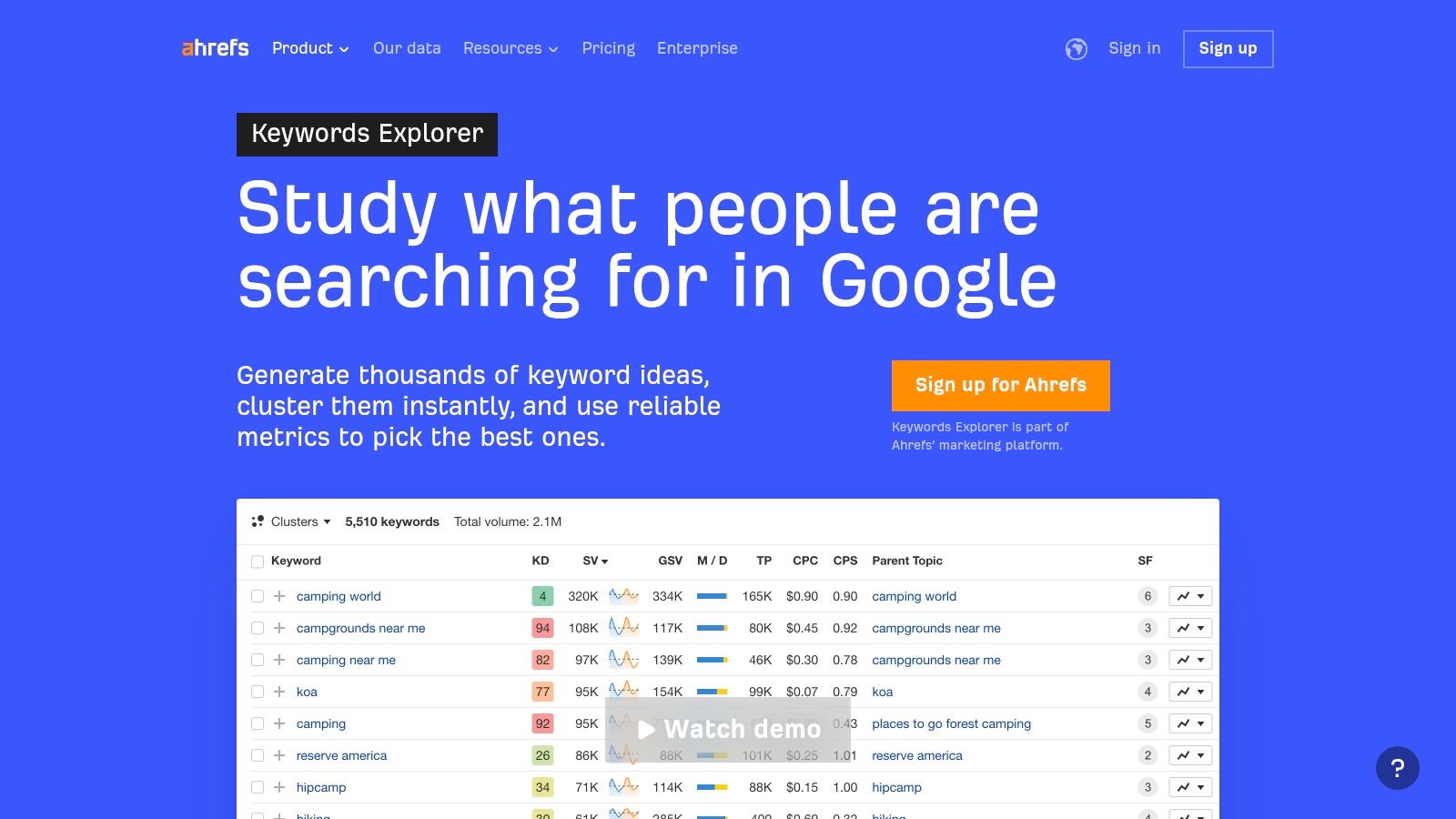
Ahrefs Keywords Explorer is an enterprise-grade tool renowned for its massive keyword database and powerful SERP analysis features. While not strictly a local-first tool, its ability to filter search data for over 200 countries provides a solid foundation for identifying high-value city and state-level keywords. Its real strength for local SEO lies in the depth of its competitive analysis, allowing you to see exactly which local competitors rank for specific terms and why.
The platform provides crucial context beyond simple search volume, including "Clicks" data, which estimates how many searches result in a click. This helps you avoid targeting keywords where the SERP is dominated by no-click features like answer boxes or knowledge panels. For multi-location businesses, this level of insight is invaluable for developing a scalable content strategy that can be adapted to different regional markets.
Core Features & Limitations
Access Requirements: Paid subscription required, with plans starting at $99/month. A free Ahrefs Webmaster Tools account offers limited access.
- Pros:
- High-Quality Data: Offers one of the largest and most accurate third-party keyword indexes available.
- Deep SERP Analysis: Provides extensive data on ranking pages, backlink profiles, and traffic estimates.
- Strong Competitor Insights: Excellent for deconstructing the strategies of local market leaders.
- Cons:
- High Cost: The pricing can be prohibitive for small businesses or solo practitioners.
- Lacks Hyperlocal Focus: Does not offer granular neighborhood or ZIP code-level data like some dedicated local keyword research tools.
- Learning Curve: The interface is packed with data and can be overwhelming for beginners.
Website: Ahrefs Keywords Explorer
5. Moz – Keyword Explorer (Moz Pro)
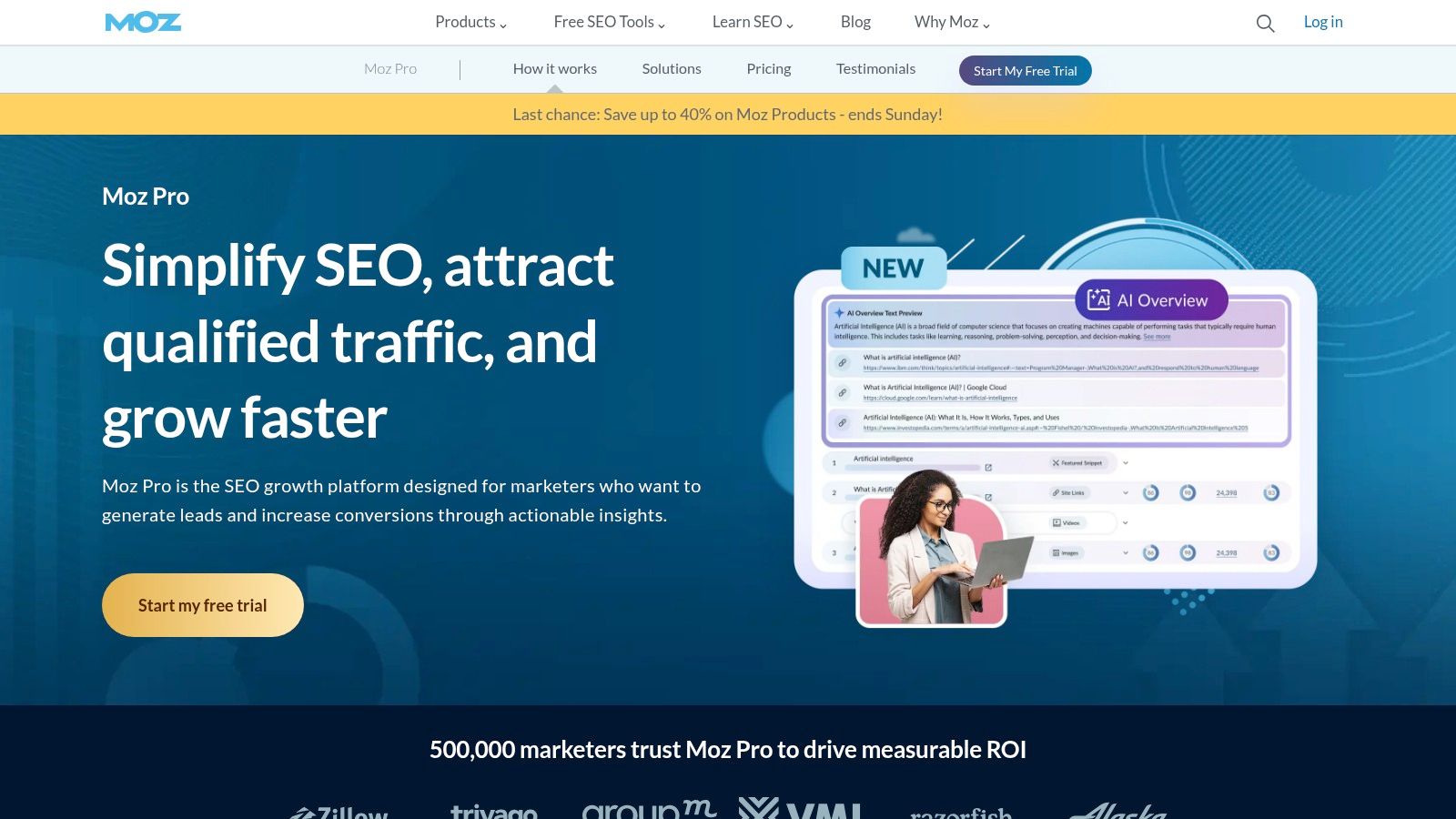
Moz Keyword Explorer, part of the comprehensive Moz Pro suite, is a powerful and user-friendly tool for general and local keyword research. While not a dedicated local-only tool, its strength lies in integrating keyword data with a full SEO platform, allowing users to move seamlessly from research to rank tracking and site audits. It provides valuable metrics like keyword difficulty, search volume, and organic click-through rate to help prioritize efforts.
The platform is particularly beneficial for small businesses or agencies new to local SEO who need an all-in-one solution. By analyzing SERP features, it helps you identify opportunities to appear in the Local Pack, and its "Keyword Suggestions" feature can uncover location-specific long-tail variations. For businesses managing ongoing SEO campaigns, having rank tracking and keyword research in one place creates a more efficient workflow.
Core Features & Limitations
Access Requirements: Paid subscription to Moz Pro, which starts at $99/month (or $79/month billed annually).
- Pros:
- All-in-One Platform: Integrates keyword research with site audits, rank tracking, and link building tools.
- User-Friendly Interface: Known for its clean design and intuitive metrics, making it accessible for beginners.
- SERP Analysis: Provides a clear breakdown of the search results page, highlighting local packs and other features.
- Cons:
- Limited Geographic Granularity: Lacks the city, ZIP code, or neighborhood-level precision of specialized local keyword research tools.
- Volume as Ranges: Search volume data is often presented in ranges, which can be less precise for hyper-local targeting.
- Higher Cost: As part of a full SEO suite, the entry price is higher than standalone keyword tools.
Website: Moz Keyword Explorer
6. BrightLocal
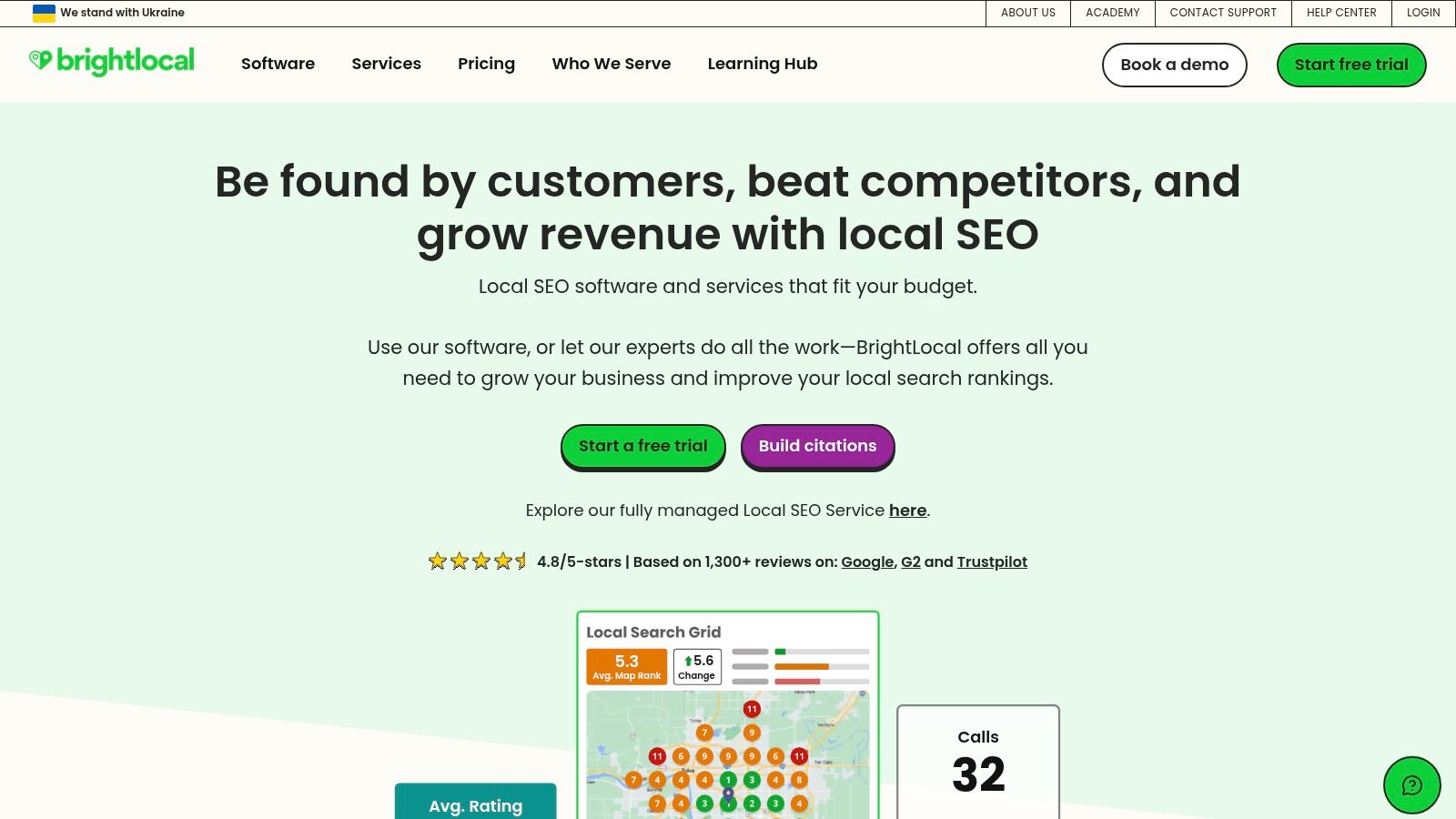
BrightLocal is a purpose-built local SEO platform that shines in the keyword validation and performance measurement phases. While not a traditional keyword discovery tool, its suite of features like the Local Search Grid allows businesses to visualize exactly where they rank for target terms on a hyper-local map. This is crucial for service-area businesses and retailers needing to see their visibility street-by-street, not just city-wide.
The platform excels at connecting keyword strategy to real-world performance. You can use its Local Search Results Checker to manually verify SERPs for any specific ZIP code or city, confirming if your chosen keywords are triggering the desired Map Pack results. This ground-truth data is invaluable for refining a list of keywords generated by other local keyword research tools. For a broader look at its capabilities, you can find a comprehensive breakdown in this review of the best local SEO tools.
Core Features & Limitations
Access Requirements: Paid subscription required. Plans are tiered based on the number of locations and features.
- Pros:
- Hyper-Local Visualization: The Local Search Grid provides an unparalleled visual understanding of local rank performance.
- SERP Validation: Tools allow for accurate, manual checks of search results from any specific location.
- Local SEO Focus: Every feature is designed with the unique challenges of local search in mind.
- Cons:
- Limited Keyword Ideation: The platform is primarily for tracking and validating existing keywords, not for discovering new ones.
- Location-Based Pricing: Costs can escalate for agencies or multi-location businesses as they add more locations to track.
Website: BrightLocal
7. Mangools – KWFinder
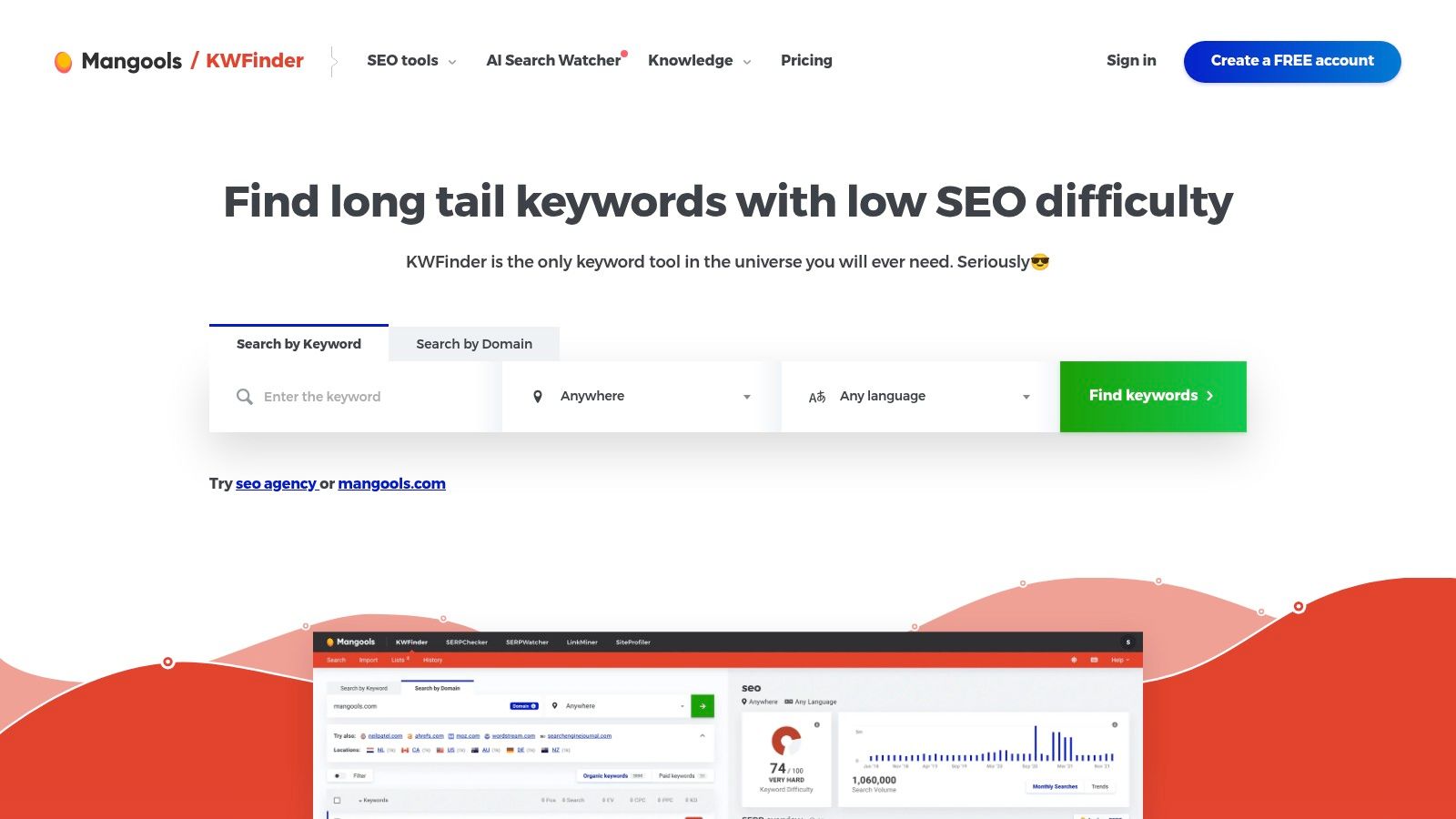
Mangools offers KWFinder, an approachable and visually intuitive tool that simplifies the process of local keyword research. Its strength lies in its user-friendly interface and the ability to quickly target tens of thousands of specific cities, districts, and regions worldwide. This makes it a great entry point for small businesses or marketers who need reliable city-level data without the complexity or cost of an enterprise-level platform.
The tool provides essential metrics like search volume, keyword difficulty, and a clean SERP analysis right in the main dashboard. Part of a larger 5-tool SEO suite, KWFinder integrates well with rank tracking and competitor analysis, offering a well-rounded solution for businesses looking to manage their entire local SEO workflow in one place.
Core Features & Limitations
Access Requirements: Paid subscription required, with plans starting around $29/month. A limited free trial is available.
- Pros:
- User-Friendly Interface: One of the easiest tools to learn, ideal for beginners and teams without dedicated SEO experts.
- Extensive Location Targeting: Supports a vast number of specific cities and local regions for granular analysis.
- Great Value: Provides a suite of five SEO tools for a price comparable to single-function platforms.
- Cons:
- Smaller Keyword Database: Its data index is not as comprehensive as larger, more expensive competitors like Ahrefs or Semrush.
- Lookup Limits: All plans come with daily and monthly limits on keyword lookups and SERP analyses, which can be restrictive for power users.
Website: Mangools KWFinder
8. Ubersuggest (Neil Patel)
Ubersuggest is a highly accessible, budget-friendly SEO tool that packs a surprising punch for local keyword research. While known for its broad SEO capabilities, its project-based tracking allows you to set specific geographic locations, such as a city or state, and monitor keyword performance and discover opportunities within that defined area. This makes it an excellent entry-point tool for small businesses or franchises looking to dip their toes into local SEO without a hefty enterprise-level investment.
The platform's main appeal is its combination of affordability and functionality, offering keyword ideas, difficulty scores, and even content suggestions tailored to your targets. Its lifetime pricing options are particularly unique in the SEO software market, providing a cost-effective solution for agencies or multi-location businesses that need to manage several local campaigns simultaneously. While it may not have the hyper-local data depth of specialized tools, its value proposition for general local keyword analysis is hard to beat.
Core Features & Limitations
Access Requirements: Free version with daily limits; paid plans start at a low monthly cost, with lifetime options available.
- Pros:
- Cost-Effective: Very competitive pricing makes it accessible for small businesses and freelancers.
- Multi-Location Support: Paid plans allow for unlimited projects, each of which can be geo-targeted to a different city.
- All-in-One Tool: Combines keyword research with rank tracking, site audits, and competitor analysis.
- Cons:
- Data Precision: The keyword volume and difficulty data may not be as precise or granular as more expensive, enterprise-grade tools.
- Limited Local Focus: Lacks specialized local features like GMB insights or neighborhood-level analysis found in other dedicated local keyword research tools.
Website: Ubersuggest
9. KeywordTool.io
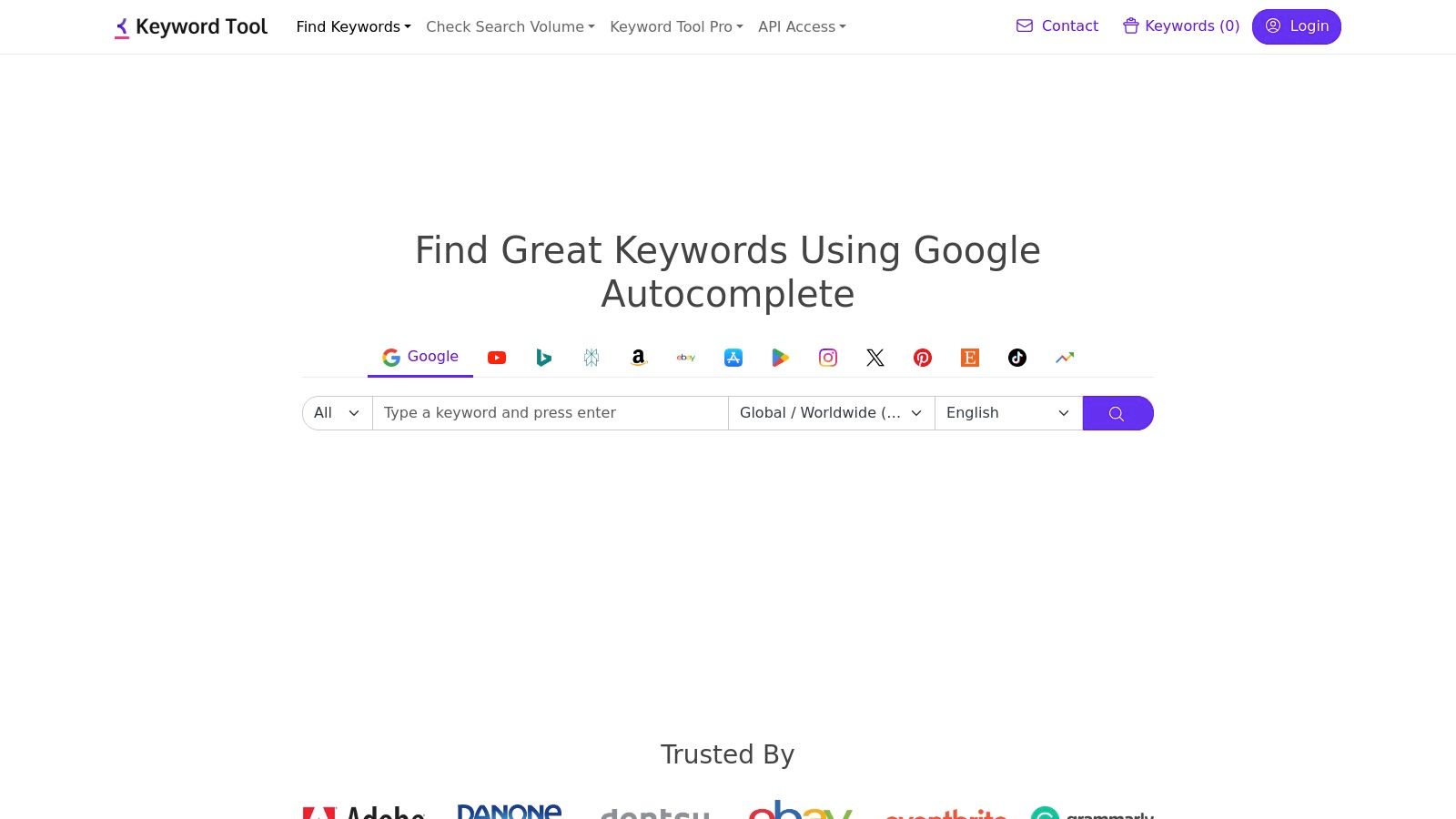
KeywordTool.io is a powerful long-tail keyword generator that leverages Google's Autocomplete feature to unearth hundreds of hyperlocal search queries. Its primary strength lies in its extensive geographic and platform support, allowing users to pull keyword ideas from Google, Google Maps, YouTube, and more across 192 countries and thousands of specific city-level locations. This makes it an invaluable tool for uncovering the exact phrases customers use when searching for local services or products.
For businesses targeting specific neighborhoods or regions, this tool can reveal highly relevant, low-competition keywords that other platforms might miss. For instance, a wellness clinic can discover queries like "prenatal yoga classes near [neighborhood name]" or "best chiropractor for sciatica in [city]," providing direct insight into customer needs and language. The platform is designed for rapid idea generation, making it a perfect starting point before validating volumes and competition in a more robust SEO suite.
Core Features & Limitations
Access Requirements: Free for basic keyword suggestions; requires a Pro subscription for search volume, CPC, and competition data.
- Pros:
- Exceptional Location Coverage: Granular targeting supports a vast number of countries and city-level locations.
- Multi-Platform Research: Generates ideas not just for Google Search but also for Google Maps, YouTube, and Bing.
- API Access: The Pro plan offers API access for programmatic research and seamless integration into team workflows.
- Cons:
- Requires Other Tools: Best used in conjunction with a rank tracker or a comprehensive SEO platform for full analysis and keyword validation.
- Subscription Costs: Access to essential data like search volume and CPC is behind a paywall, which can become costly for high-volume users.
Website: KeywordTool.io
10. AlsoAsked
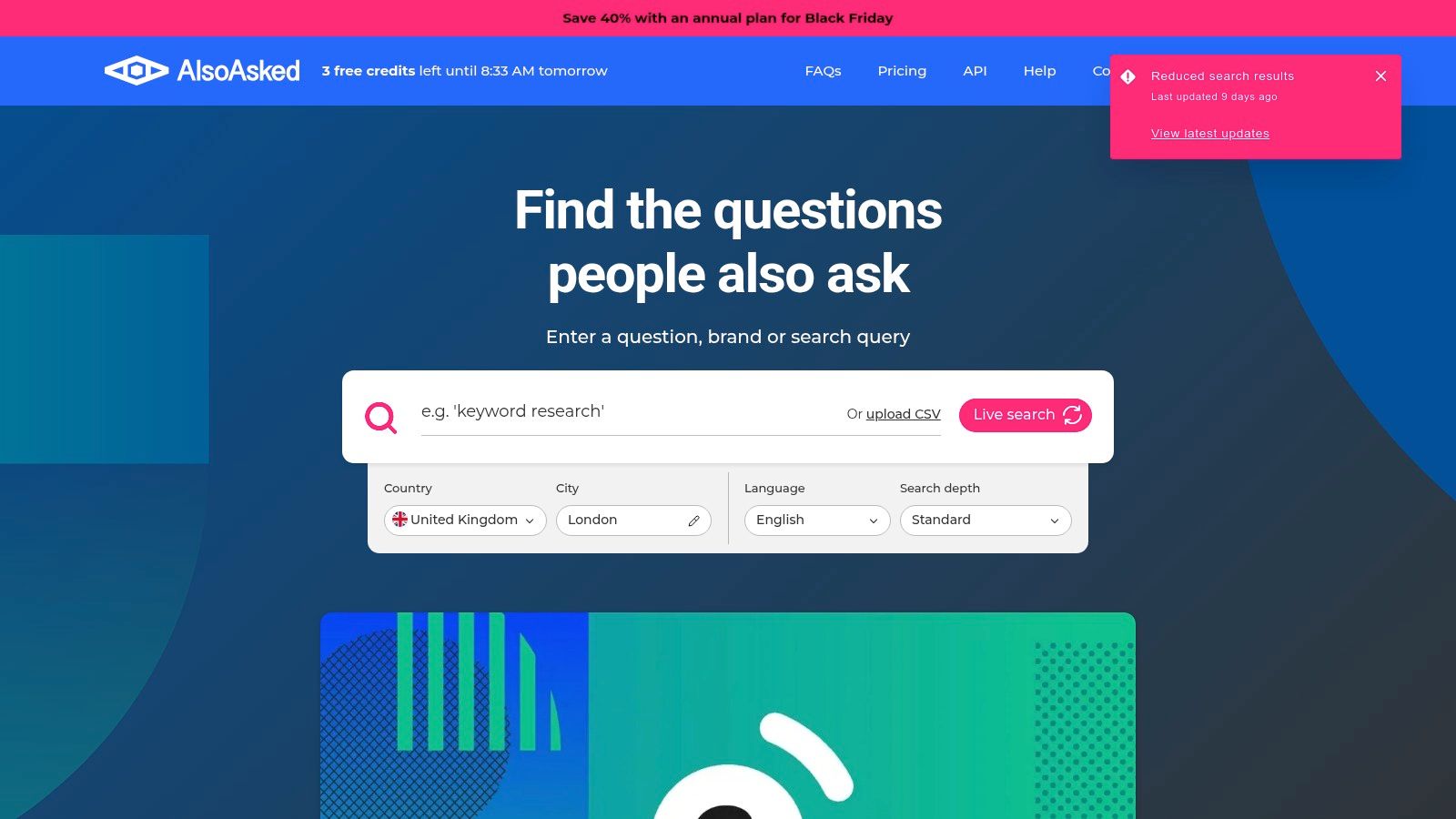
AlsoAsked is a specialized research tool that visualizes Google's 'People Also Ask' (PAA) data, making it a unique asset for local keyword research. Instead of focusing on search volume, it maps out the conversational questions users are asking around a core topic. This is invaluable for local businesses looking to create content that directly answers customer queries, such as a clinic developing an FAQ page about services in their city or a retailer building blog posts around "where to buy [product] in [neighborhood]".
The platform generates visual, tree-like diagrams showing how questions are thematically related, helping you build comprehensive content clusters. For a local SEO strategy, this means you can quickly uncover long-tail, question-based keywords that signal high local intent. This approach complements traditional volume-based tools by providing the why and how behind user searches, leading to more targeted and helpful local content.
Core Features & Limitations
Access Requirements: Offers a free plan with limited searches per month; paid plans unlock more features like bulk searches and data exports.
- Pros:
- Content Ideation: Excellent for discovering local questions to build blog posts, FAQs, and service page content around.
- Visual Mapping: The question-tree format makes it easy to understand topic relationships and build content clusters.
- Region-Specific: You can filter PAA results by country and language to get more relevant local insights.
- Cons:
- No Volume Metrics: It is not a traditional keyword tool and does not provide search volume, CPC, or competition data.
- Supplements Other Tools: Best used in conjunction with a volume-focused tool to validate the demand for the questions it uncovers.
Website: AlsoAsked
11. AnswerThePublic
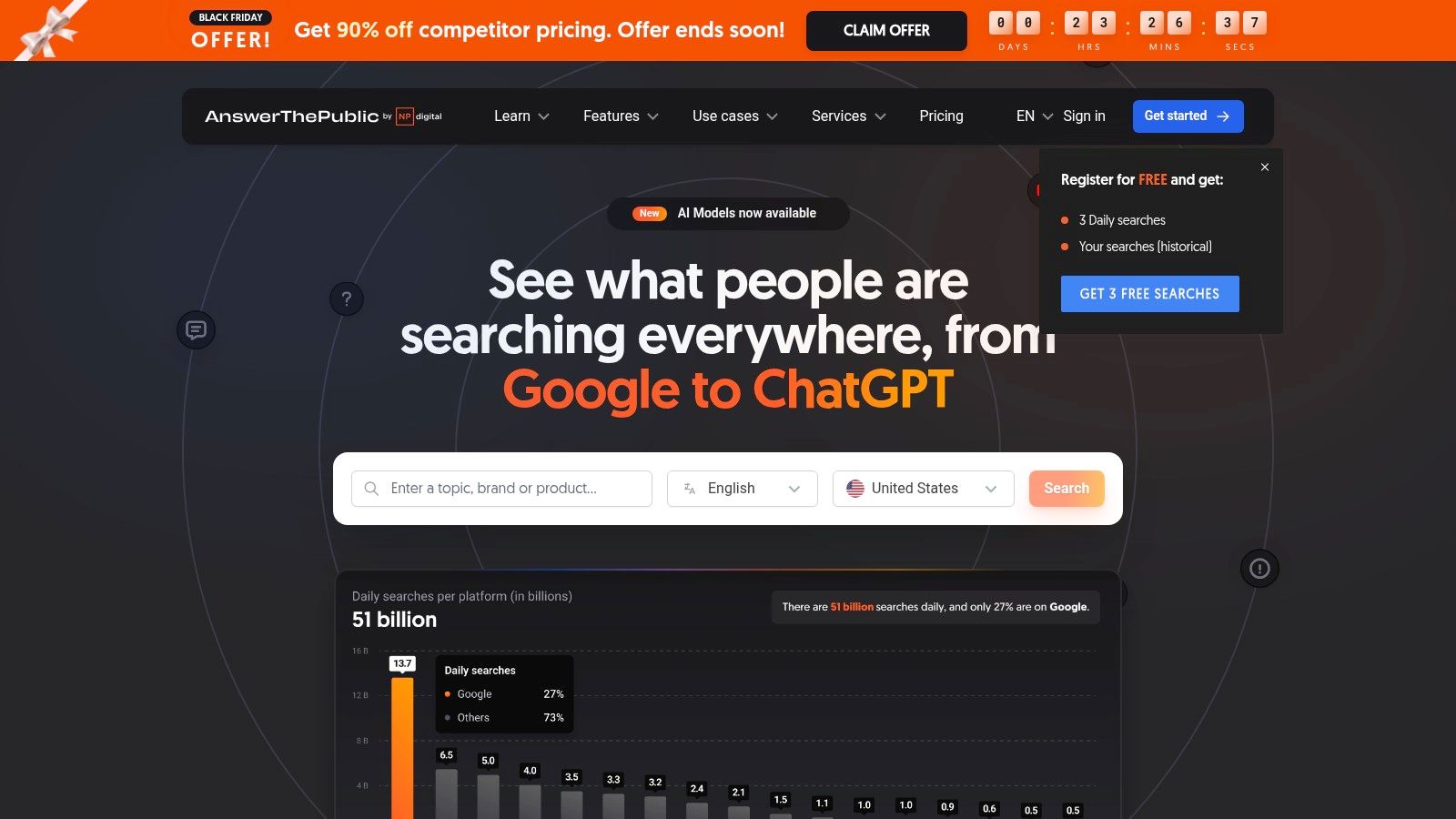
AnswerThePublic is a unique visual keyword research tool that excels at uncovering the questions, prepositions, and comparisons people use in their searches. For local SEO, it's a goldmine for content ideation, helping you discover "near me" variations and city-specific questions that your audience is actively asking. By inputting a service like "plumber" and setting the country, it generates visual maps of user intent, revealing how to structure local service pages, blog posts, and FAQ sections that resonate with customer needs.
While not a traditional keyword tool focused on granular volume metrics, its strength lies in framing your content strategy. It helps you understand the why and how behind local searches, providing the thematic clusters needed to build topical authority. Businesses can use these insights to create content that answers specific local queries, such as "which plumber is best for emergency leaks in [City]," directly addressing user pain points and improving their visibility in organic search.
Core Features & Limitations
Access Requirements: Limited free searches per day; paid plans unlock unlimited searches, data exports, and team collaboration features.
- Pros:
- Fast Content Ideation: Quickly generates hundreds of content ideas and questions for "near me" or city-specific topics.
- Intuitive Visuals: The visual data maps make it easy to understand search intent and thematic relationships.
- Excellent for FAQs: Ideal for discovering and structuring content for local FAQ pages and service descriptions.
- Cons:
- Not a Rank Tracker: It's an ideation tool and must be paired with another platform to validate keyword difficulty or track SERP performance.
- Estimated Metrics: Volume and CPC data on paid plans are estimates and should be cross-referenced with first-party data sources for accuracy.
Website: AnswerThePublic
12. PlePer – Local SEO Tools (Google Business Profile analysis)
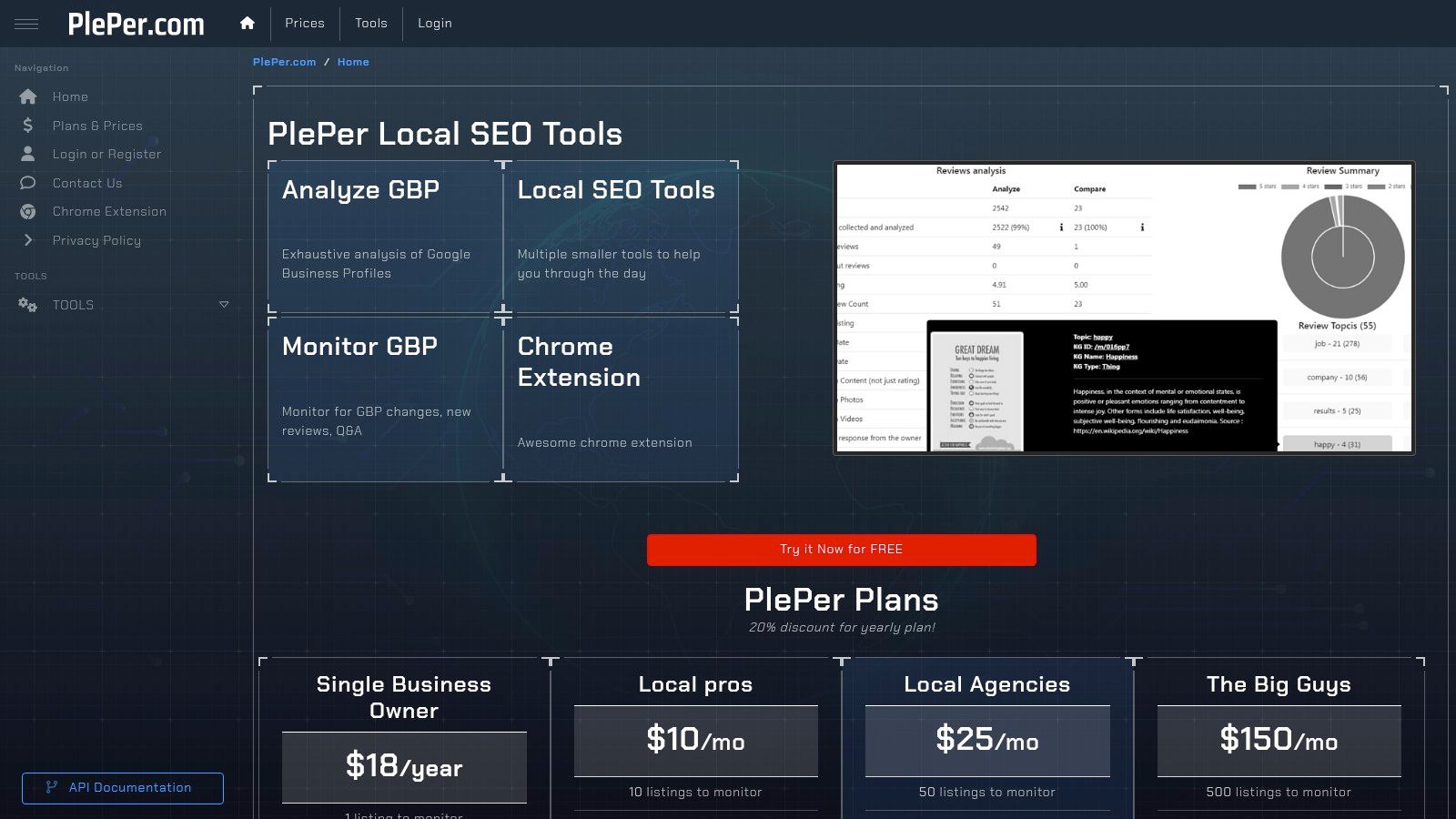
PlePer is a specialized toolkit designed for deep analysis of Google Business Profile (GBP) listings. While not a traditional keyword research tool that provides search volume, it excels at reverse-engineering what makes top-ranking local competitors successful. By dissecting their primary and secondary categories, attributes, and even the language used in their reviews, you can uncover the implicit keywords and service terms that Google associates with their business, informing your own GBP optimization strategy.
This platform is particularly effective for identifying the most relevant GBP categories, which is a critical, yet often overlooked, ranking factor. Its browser extension allows for quick, on-the-fly analysis directly within Google Maps, making competitive research fast and efficient. For a complete guide on applying these insights, you can learn more about how to optimize your Google Business Profile.
Core Features & Limitations
Access Requirements: Offers a free Chrome extension with limited features and paid plans for full access.
- Pros:
- GBP-Centric Analysis: Provides unique insights into competitor categories and attributes.
- Efficient Workflow: The Chrome extension streamlines the process of analyzing listings in Maps.
- Low Entry Cost: Affordable options make it accessible for single-location business owners.
- Cons:
- No Volume Metrics: It is focused on GBP specifics and does not provide classic keyword volume data.
- Utilitarian Interface: The user interface is functional but lacks the polish of more comprehensive SEO suites.
- Niche Focus: Its value is almost entirely tied to GBP analysis, not broader local SEO research.
Website: PlePer Local SEO Tools
Local Keyword Research Tools: 12-Tool Comparison
| Tool | Core features / Capabilities | UX / Quality (★) | Value & Pricing (💰) | Target audience (👥) | Unique selling points (✨) |
|---|---|---|---|---|---|
| Nearfront 🏆 | Live ranking heatmaps; multi‑location dashboards; signal engine (searches, clicks, calls, directions, visits); bi‑weekly reports | ★★★★★ Automated, compliant | 💰 Quote-based; month‑to‑month; location & competition pricing | 👥 Franchises, dispensaries, multi‑location retailers, local marketers | ✨ Generates real engagement signals, no GBP access required, growth predictions |
| Google Ads – Keyword Planner | Geo-filtered volume & CPC; forecasts; Ads integration | ★★★★ First‑party data (ad‑centric) | 💰 Free with Google Ads account | 👥 Advertisers, local SEOs needing volume/CPC | ✨ Precise geo filters + first‑party volume & CPC |
| Semrush | Keyword Magic, position tracking, local add‑ons, competitive analysis | ★★★★ Mature suite for teams | 💰 Paid tiers; local add‑ons raise cost | 👥 Agencies, SEO teams, enterprises | ✨ All‑in‑one workflow, large DB, local toolkits |
| Ahrefs – Keywords Explorer | Large multi‑locale index; click metrics; keyword difficulty; SERP overviews | ★★★★★ High data quality & SERP insights | 💰 Premium pricing (enterprise) | 👥 SEO pros, agencies, enterprises | ✨ Strong competitor & SERP/context metrics |
| Moz – Keyword Explorer | Volume ranges, SERP analysis, rank tracking, audits | ★★★★ User‑friendly, good onboarding | 💰 Tiered plans; SMB‑friendly | 👥 SMBs, agencies starting local SEO | ✨ Integrated audits & branded reporting |
| BrightLocal | Local Search Grid, Local Rank Tracker, SERP checker by ZIP/city | ★★★★ Built specifically for local SEO | 💰 Local‑focused plans; per‑location limits | 👥 Local SEO pros, agencies, small chains | ✨ Map‑grid visualizations & ZIP/street validation |
| Mangools – KWFinder | Local/location targeting, difficulty scoring, SERP analysis | ★★★★ Easy to learn | 💰 Affordable plans; daily lookup limits | 👥 SMBs, freelancers, small agencies | ✨ Good value for city‑level keyword ideation |
| Ubersuggest (Neil Patel) | Keyword ideas, difficulty, project tracking, local targeting | ★★★ Budget‑friendly UI | 💰 Very competitive pricing; lifetime options | 👥 Small businesses, solo marketers | ✨ Low‑cost entry with project features |
| KeywordTool.io | Autocomplete long‑tail across Google/Maps/YouTube; API & Pro exports | ★★★★ Wide geo coverage | 💰 Pro/API paid plans; scales by queries | 👥 Content teams, agencies needing programmatic data | ✨ 192 countries, 68k+ locations, API access |
| AlsoAsked | PAA question trees by country/language; bulk & deep search | ★★★ Lightweight, quick intent insight | 💰 Freemium; paid for bulk/API | 👥 Content strategists, SEOs researching intent | ✨ Visual question trees for local intent discovery |
| AnswerThePublic | Visual maps of questions/phrases; country targeting; exports | ★★★ Fast ideation & approachable UI | 💰 Free tier; paid plans with exports & teams | 👥 Content teams, local SEOs | ✨ Excellent 'near‑me' content ideation |
| PlePer – Local SEO Tools | GBP analyzer (categories, attributes), monitoring, Chrome extension | ★★★ Utilitarian but practical | 💰 Low-cost options; single‑location friendly | 👥 Local business owners, GBP managers | ✨ GBP‑focused insights for categories, reviews & monitoring |
Conclusion: Choosing the Right Tool and Building Your Local Keyword Workflow
Navigating the landscape of local keyword research tools can feel overwhelming, but as we've explored, the right platform can transform your local SEO from guesswork into a data-driven strategy. We've dissected everything from enterprise-level powerhouses like Semrush and Ahrefs to hyper-specialized solutions like Nearfront and BrightLocal. Each tool offers a unique lens through which to view your local search market.
The core takeaway is that a one-size-fits-all solution rarely exists. The best tool for a multi-location franchise with a dedicated marketing team will differ significantly from the ideal choice for a single-location wellness clinic. Your decision ultimately hinges on your specific business model, budget, and technical expertise.
Synthesizing Your Options: Key Decision Factors
When selecting from the array of local keyword research tools we've covered, your evaluation should come down to a few critical factors. Don't get distracted by a long list of features you'll never use. Instead, focus on what will directly impact your local visibility and customer acquisition.
Consider these final points before making your investment:
- Granularity of Data: Do you need city-level data, or is your business so localized that neighborhood, ZIP code, or even street-level insights are necessary? Tools like Nearfront and BrightLocal excel here, providing the granular detail that broader tools often miss.
- Integration with GMB/GBP Signals: True local SEO is inseparable from your Google Business Profile. Platforms that directly integrate with GMB, analyze its performance, and use its data for keyword discovery (like Nearfront and PlePer) offer a significant advantage in optimizing for the Map Pack.
- Workflow Efficiency: How easily can you move from discovery to implementation? A tool should not just provide a list of keywords. It should help you prioritize them, map them to specific locations or services, and track their performance over time. Consider how the tool fits into your existing content and SEO processes.
- Scalability and Business Model: For multi-location businesses, scalability is non-negotiable. Can the tool efficiently manage keyword sets and track rankings for dozens or hundreds of locations without becoming prohibitively expensive or complex? Semrush and BrightLocal are strong contenders for this use case.
Building Your Actionable Local Keyword Workflow
Your chosen tool is only as powerful as the process you build around it. To truly capitalize on your investment, establish a repeatable workflow that turns keyword data into tangible business results.
Start by identifying your core "money" keywords, those high-intent terms directly tied to your products or services (e.g., "chiropractor near me," "emergency dental clinic"). Use your tool to expand this list with location-specific modifiers, question-based queries (from AnswerThePublic or AlsoAsked), and long-tail variations.
Next, map these keywords to the appropriate pages on your website. Your primary service keywords should target your service pages, while informational, question-based keywords are perfect for blog posts and FAQ sections. This strategic mapping ensures that you create relevant content that directly answers the queries of your local audience.
Finally, close the loop by tracking your performance. Regularly monitor your rankings for your target keywords, especially in the Local Pack. Use the insights gained to refine your content, optimize your Google Business Profile listings, and uncover new keyword opportunities. This continuous cycle of research, implementation, and analysis is the foundation of a dominant local SEO strategy. The right local keyword research tool is not just a data source; it's the engine that powers this entire growth cycle.
If you're tired of piecing together data from generic SEO platforms and want a tool built specifically for local search, it's time to see what Nearfront can do. It's the only platform designed to help you find and rank for the hyper-local keywords that drive real foot traffic and phone calls. Explore how Nearfront can simplify your local keyword research and give you a competitive edge in the Map Pack.